


Description
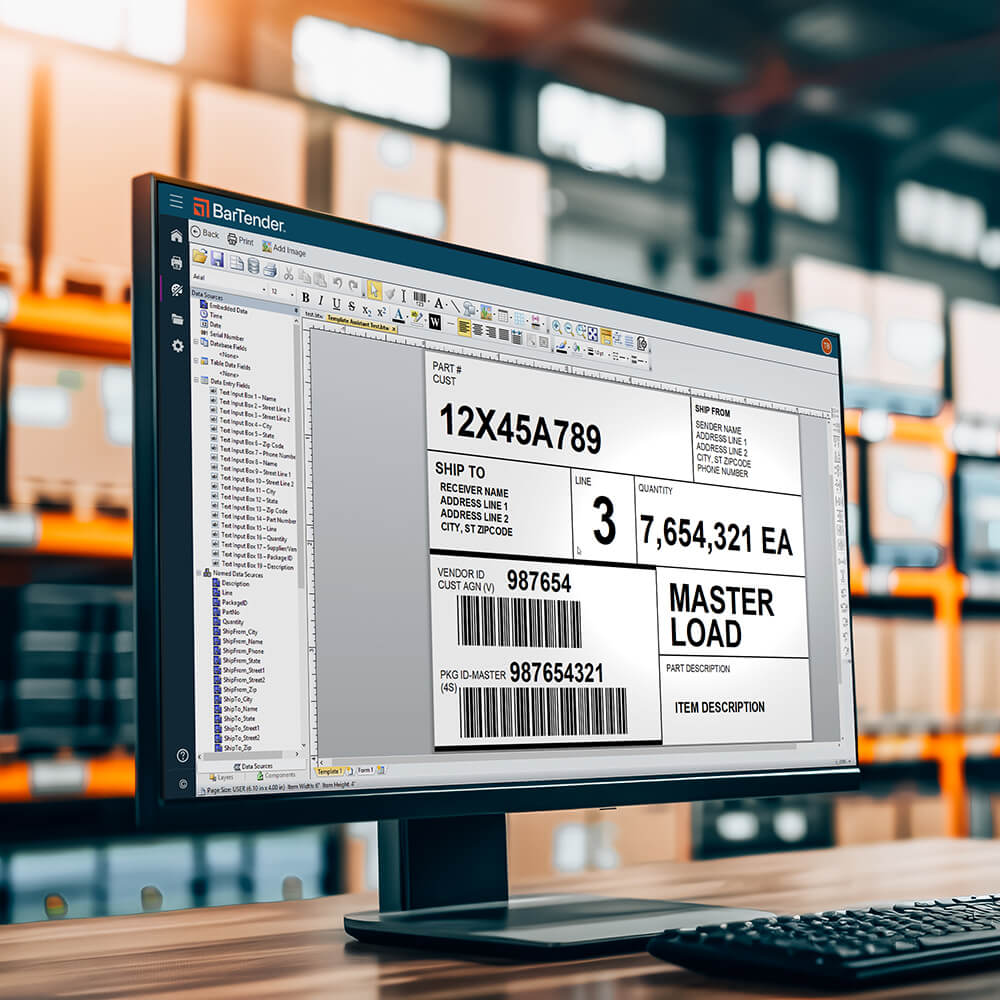
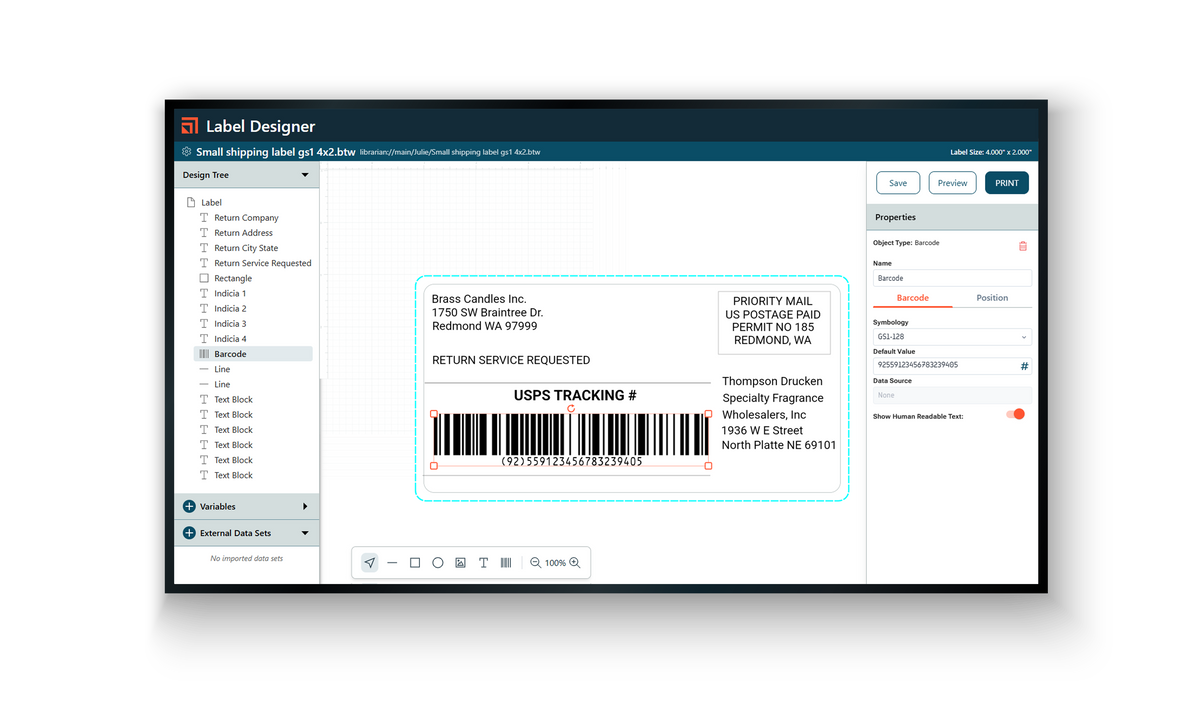
BarTender Professional is the most popular BarTender edition for small and mid-size businesses that print labels from data. For teams that print from a database or spreadsheet, need serialized labels, RFID or PDF output.
What you get
- Application license for up to 2 printers, with BarTender installable on any number of computers on a common network.
- Subscription term: 5 years, paid upfront. Part number BTP-2-SUB-5YR.
- Standard Maintenance and Support included for the full term.
- On-premises BarTender software for Windows.
BarTender Professional features
- Database connection: label fields fill automatically from Excel, CSV or SQL data
- Data entry forms that reduce errors by letting users pick what to print
- Serialization, RFID encoding and print to PDF
- Intelligent design: show or hide objects on a label based on conditions
- Browser-based printing on printer-count licenses
Standard Maintenance and Support
- Free software updates for the full term
- Live phone and chat support during business hours
- Email and web-form support, knowledge base and community forum
- Licensing and activation assistance
Delivery
Electronic delivery: your license key and activation instructions are emailed after purchase. Download BarTender from the Seagull download center. Nothing ships.
Frequently asked questions
What is BarTender Professional?
BarTender Professional is the most popular BarTender edition for small and mid-size businesses that print labels from data. It suits teams that print from a database or spreadsheet, or need serialized labels, RFID encoding or PDF output.
What is the difference between the workstation and printer-count licenses?
A workstation license (BTP-WS) installs BarTender on one computer that can print to an unlimited number of printers. A printer-count license (2, 5 or 10 printers) lets you install BarTender on any number of computers on a common network, up to the licensed number of printers.
Can BarTender Professional print labels from Excel, CSV or SQL data?
Yes. With a database connection, label fields fill automatically from Excel, CSV or SQL data. Data entry forms let users pick the product to print, which reduces errors.
Does BarTender Professional support serialization, RFID and print to PDF?
Yes. BarTender Professional supports serialized labels, RFID encoding and printing to PDF. Intelligent design lets you show or hide objects on a label based on conditions.
Which labeling standards does BarTender support?
BarTender supports current barcode and labeling standards, including GS1, RFID, UDI, GHS and FDA labeling requirements.
Can I print BarTender Professional labels from a web browser?
Yes, on printer-count licenses only. Browser-based (mobile) printing is available on BarTender Professional licenses charged by printer. It is not included on the workstation license.
How do I add a printer to my BarTender Professional subscription?
Buy the BarTender Professional add-on printer license (BTP-PRT-SUB). Each one adds one printer to an existing BarTender Professional application subscription. Choose the term that matches your application subscription.
What subscription terms are available for BarTender Professional?
BarTender Professional subscriptions come in 1-year, 3-year and 5-year terms, paid upfront for the full term. This applies to the workstation, 2-, 5- and 10-printer and add-on printer licenses.
What support comes with a BarTender Professional subscription?
Standard Maintenance and Support is included for the full term. It covers free software updates, live phone and chat support during business hours, email and web-form support, the knowledge base and community forum, and licensing and activation assistance.
How is BarTender Professional delivered and what does it run on?
Delivery is electronic. Your license key and activation instructions are emailed after purchase, and you download BarTender from the Seagull download center. Nothing ships. BarTender Professional is on-premises software for Windows.
When should I choose BarTender Automation instead of Professional?
Choose Automation if labels must print automatically from an ERP, WMS or other business system, if you need to capture weights from scales, or if you need up to 7 days of print history for reprints and audits.
Payment & Security
Your payment information is processed securely. We do not store credit card details nor have access to your credit card information.


